Template 05 · Flagship
Ultimate Personal Finance Spreadsheet
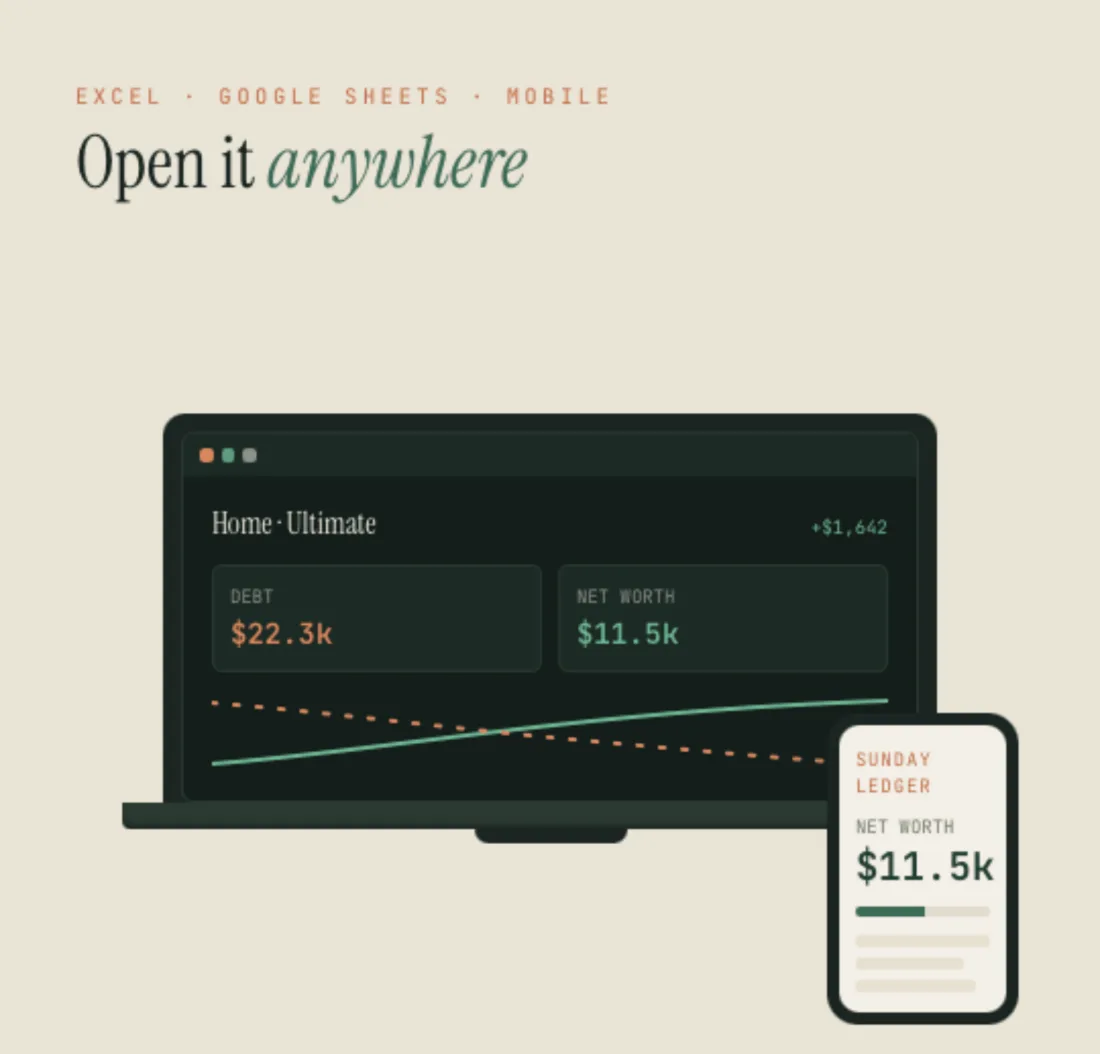
Budget, debt payoff, sinking funds and net worth — all four in one file, and actually connected. One calm Home screen shows your debt falling and your wealth climbing on the same chart.
Get the template — $24- Excel + Google Sheets
- Instant download
- $24 · one-time payment
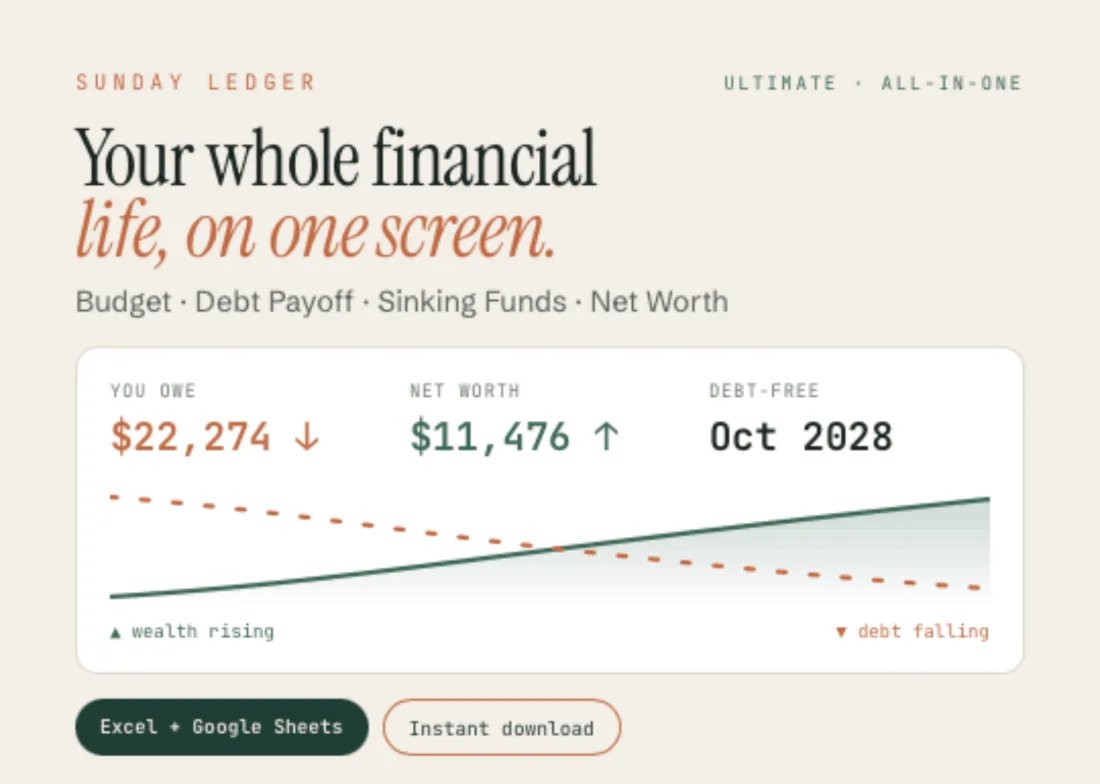
From the file
- You owe
- $22,274
- Debt-free
- Oct 2028
- Net worth
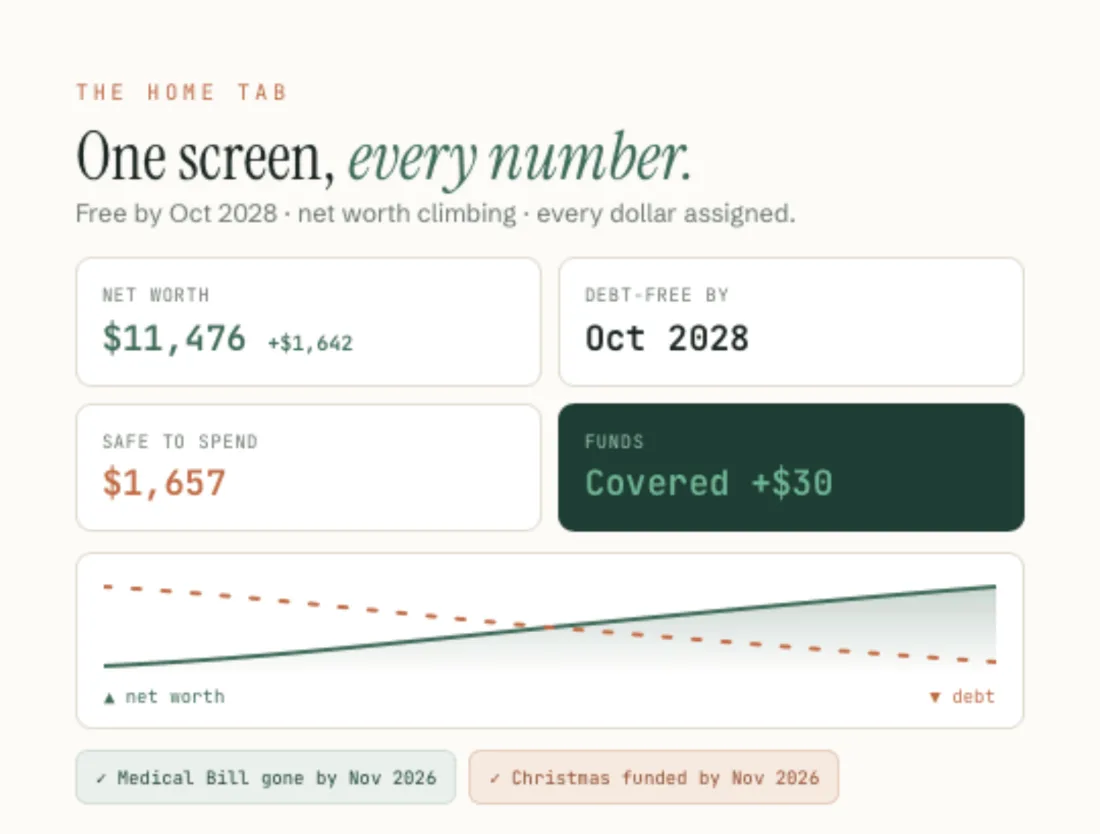
- $11,476
- Safe to spend
- $1,657
Real figures from the worked example that ships inside the file. Interest in the plan: $4,194.
The star feature
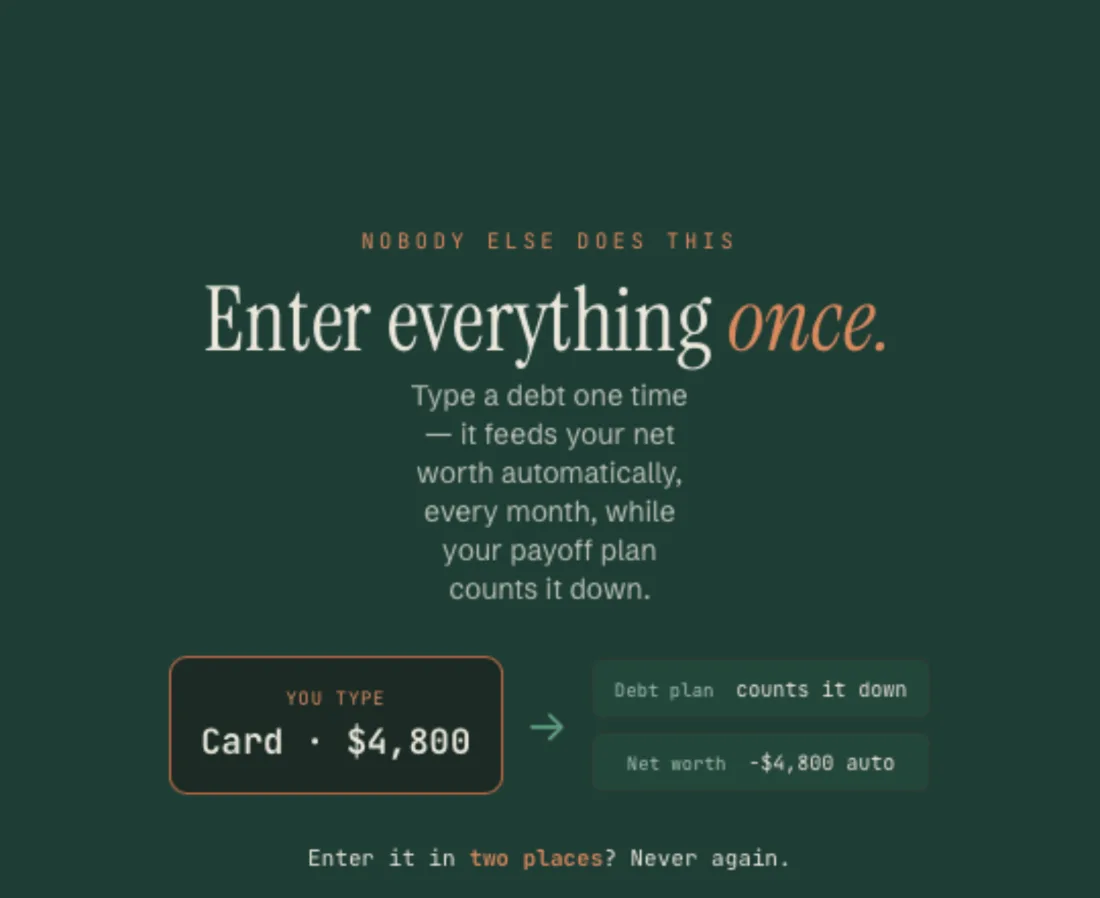
Enter everything once.
This is the part no other template does. Type in a debt one time and it feeds the negative side of your net worth automatically, month after month, while your payoff plan counts it down.
Set your paycheck once and it drives your budget, your safe-to-spend, and how fast your funds fill. No entering the same number in two places. No spreadsheets that disagree with each other.
It also tells you the truth. Your per-paycheck savings flow straight into your sinking funds and the file says plainly whether it is enough — Covered +$30 when you are ahead. And your sinking funds are deliberately kept out of your net worth, so money already promised to Christmas or the car repair never inflates your wealth.
A look inside
What you actually get.

What’s included
Everything in the download.
- All four trackers in one Excel (.xlsx) and Google Sheets file
- A single Home dashboard — one chart with your debt falling and your net worth rising
- Debt payoff on the snowball method, smallest balance first, with your debt-free date
- Paycheck budget for weekly, every 2 weeks, twice a month (the 1st and 15th), or monthly pay
- Room for up to 8 debts, 10 bills, 8 spending categories, 8 funds and 10 net-worth assets
- A full worked example — 4 debts, 8 bills, 6 categories, 5 funds — clear it when you’re ready
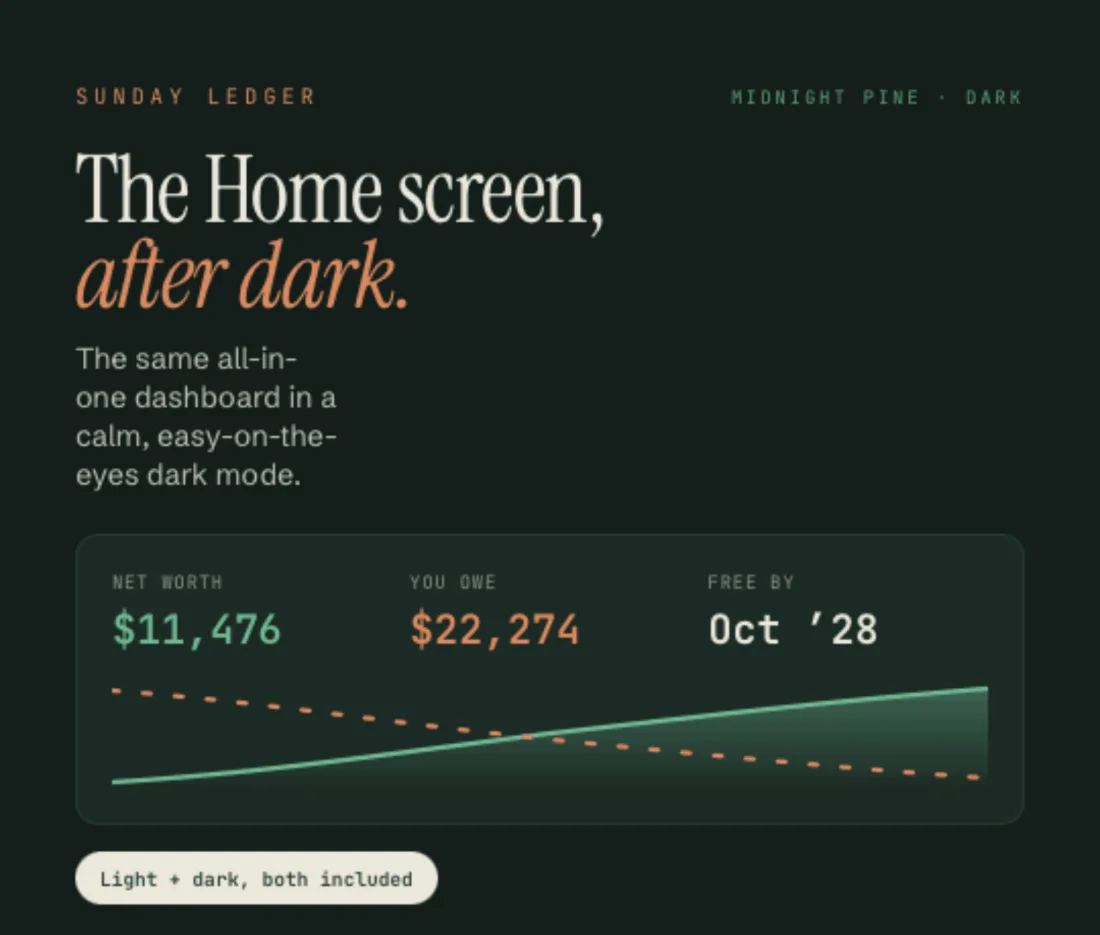
- Light and “Midnight Pine” dark version of the Home screen
- Step-by-step Welcome Guide (PDF)
9 tabs
How the file is laid out.
- Start Here
- Setup
- Home
- Home (Dark)
- Debt Plan
- Paychecks
- Funds
- Net Worth
- Tracker
Compatibility
How it works
Four steps, once.
- 01
Download instantly
Two files land in your order email and your Payhip account.
- 02
Open in Excel, or make a copy
Open the .xlsx, or tap File ▸ Make a copy for Google Sheets.
- 03
Work through the six-step Setup
One Setup tab lights up all four engines. Fill in only the modules you use.
- 04
Watch the Home screen come alive
Then check in on a Sunday.
Honest limits
What it doesn’t do.
Debt payoff here is snowball only. If you want to compare snowball against avalanche on your own numbers, that lives in the standalone Debt Payoff Tracker. And your sinking funds are not added to your net worth: that money already sits in your accounts, and counting it twice would lie to you.
Questions
Before you buy.
Do I need all four parts?
No. Use only the modules you want; the rest stay quiet. Nothing breaks if you skip one.
Which debt payoff method does it use?
The snowball method — it targets your smallest balance first, for fast, motivating wins.
Can I get paid twice a month?
Yes. Weekly, every 2 weeks, twice a month (the 1st and 15th), or monthly all work. Most budget templates get twice-a-month wrong; this one handles it properly.
Do I need Excel?
No. The Google Sheets version is free — a Google account is enough.
How is it different from the bundle?
This is one connected file where a number typed once feeds everything. The bundle is four separate, focused files.
Is it a one-time payment?
Yes. Buy once, keep forever, fully editable.
Something else on your mind? Write to sundayledgerbudgets@gmail.com.
Ultimate Personal Finance
$24 — one payment. Excel and Google Sheets, light and Midnight Pine, in one instant download — the spreadsheet and your Welcome Guide.
Get the template — $24Explore the other templates