Template 01
Debt Payoff Tracker Spreadsheet
Enter your debts once and it builds your payoff schedule, your debt-free date, and the total interest you’ll pay — using the two methods that actually work: the debt snowball and the debt avalanche.
Get the template — $13- Excel + Google Sheets
- Instant download
- $13 · one-time payment
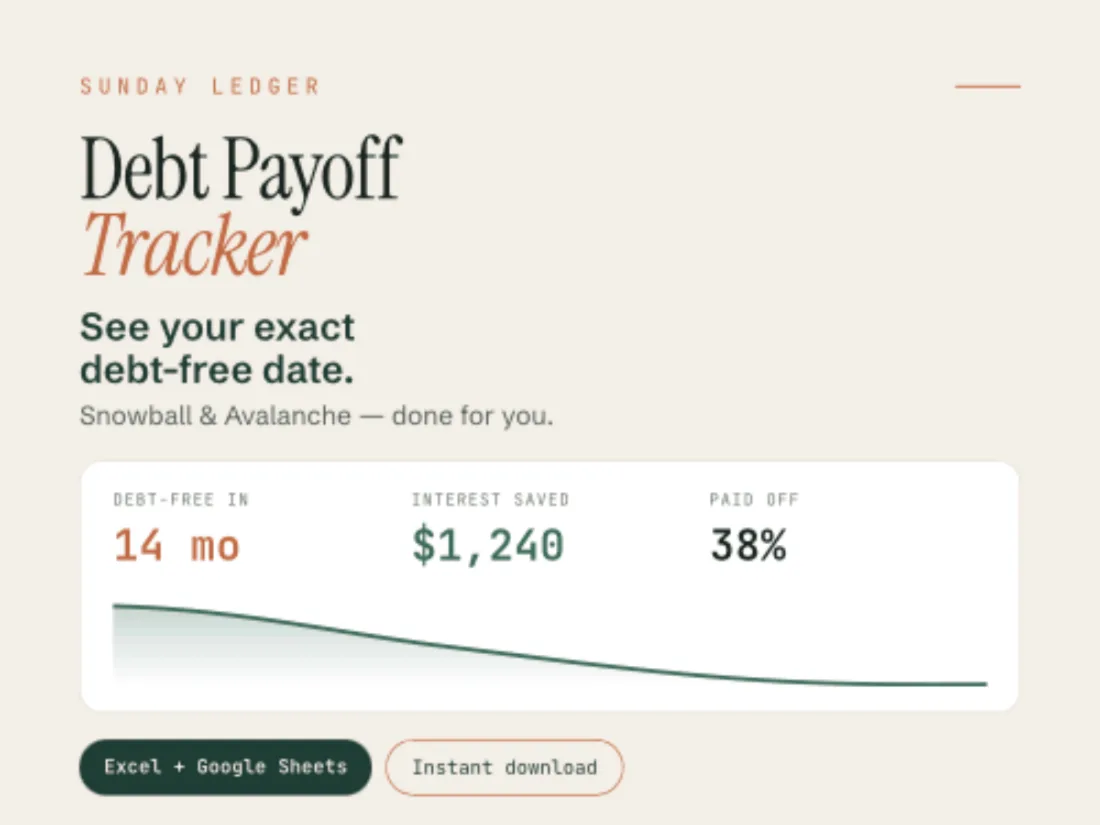
From the file
- Methods
- Snowball + Avalanche
- Debts
- Up to 10
- Tabs
- 6
- Versions
- Light + Dark
Progress bars per debt — this is the only Sunday Ledger template that has them.
The star feature
Snowball or Avalanche — change your mind anytime.
Pick the method that fits how you think. The snowball clears your smallest balance first, for fast wins that keep you going. The avalanche attacks the highest interest rate first, for the lowest total cost. Change your mind and the whole plan rebuilds instantly — side by side, so you can see what each method costs you.
It also shows you the minimum-payment trap: how much more you would pay in total if you only ever made the minimums. Seeing that number once is usually all the motivation anyone needs.
And there is a what-if row: put an extra amount toward your debt each month and watch your debt-free date move closer.
A look inside
What you actually get.

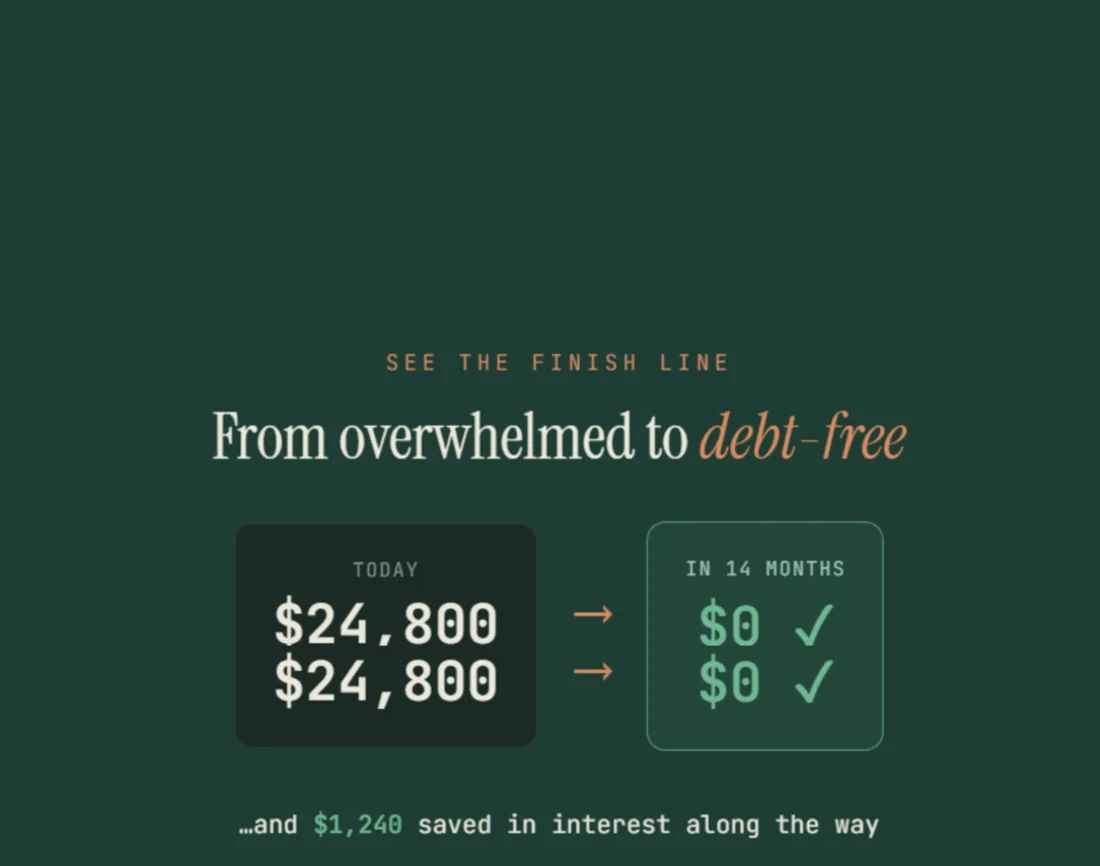
What’s included
Everything in the download.
- Debt Payoff Tracker in Excel (.xlsx) and Google Sheets
- Snowball and Avalanche methods — switch whenever you like
- Auto-calculated payoff date, months remaining and total interest in the plan
- A side-by-side comparison of what each method costs you
- The minimum-payment trap — what paying only the minimums would really cost
- An “extra payment” what-if scenario
- Dashboard with progress bars and a balance-over-time chart
- Works for credit cards, car loans, medical bills and student debt
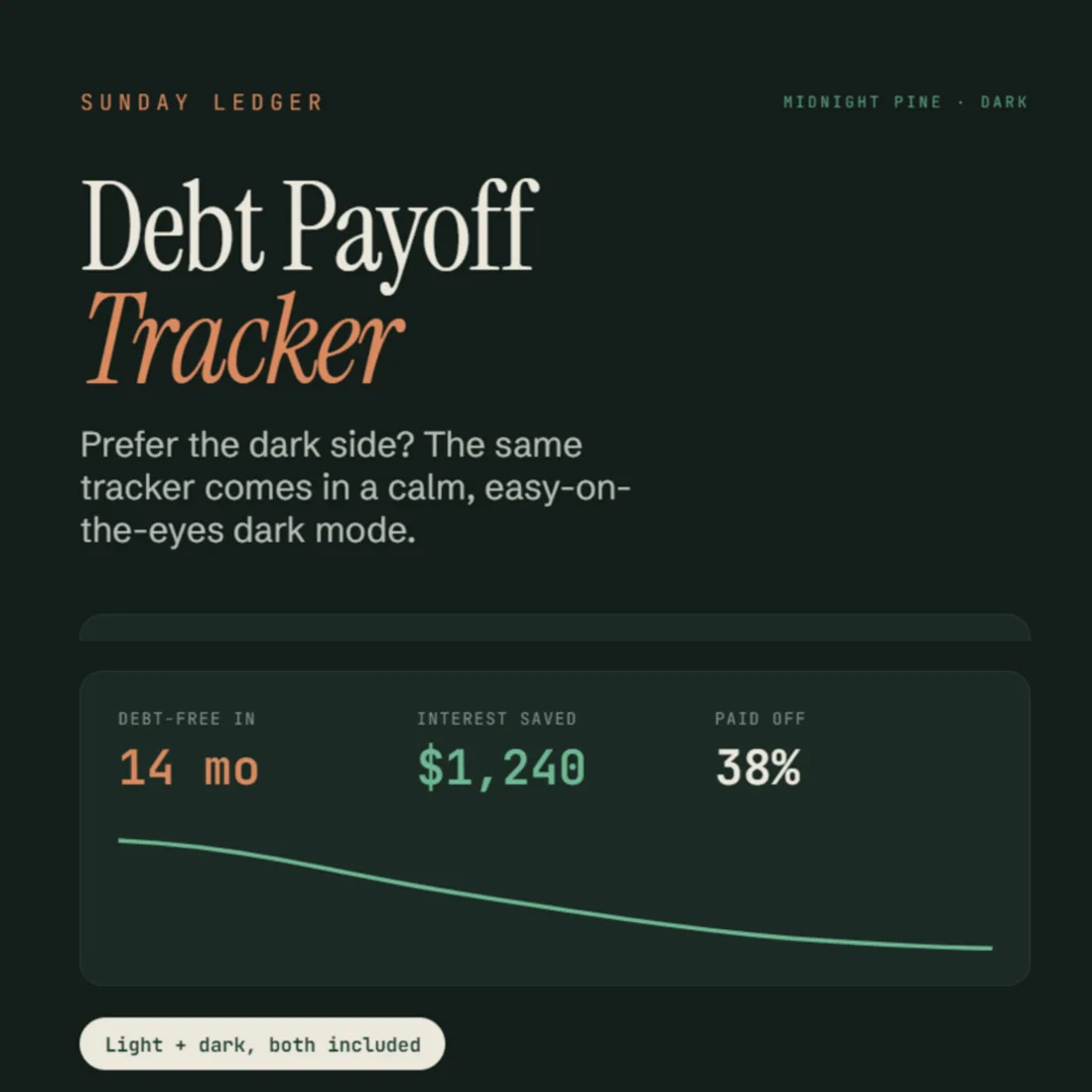
- Light and “Midnight Pine” dark version, both in the file
- Step-by-step Welcome Guide (PDF)
6 tabs
How the file is laid out.
- Start Here
- Setup
- Dashboard
- Dashboard (Dark)
- Schedule
- Tracker
Compatibility
How it works
Four steps, once.
- 01
Download instantly
Two files land in your order email and your Payhip account.
- 02
Open in Excel, or make a copy
Open the .xlsx, or tap File ▸ Make a copy for Google Sheets.
- 03
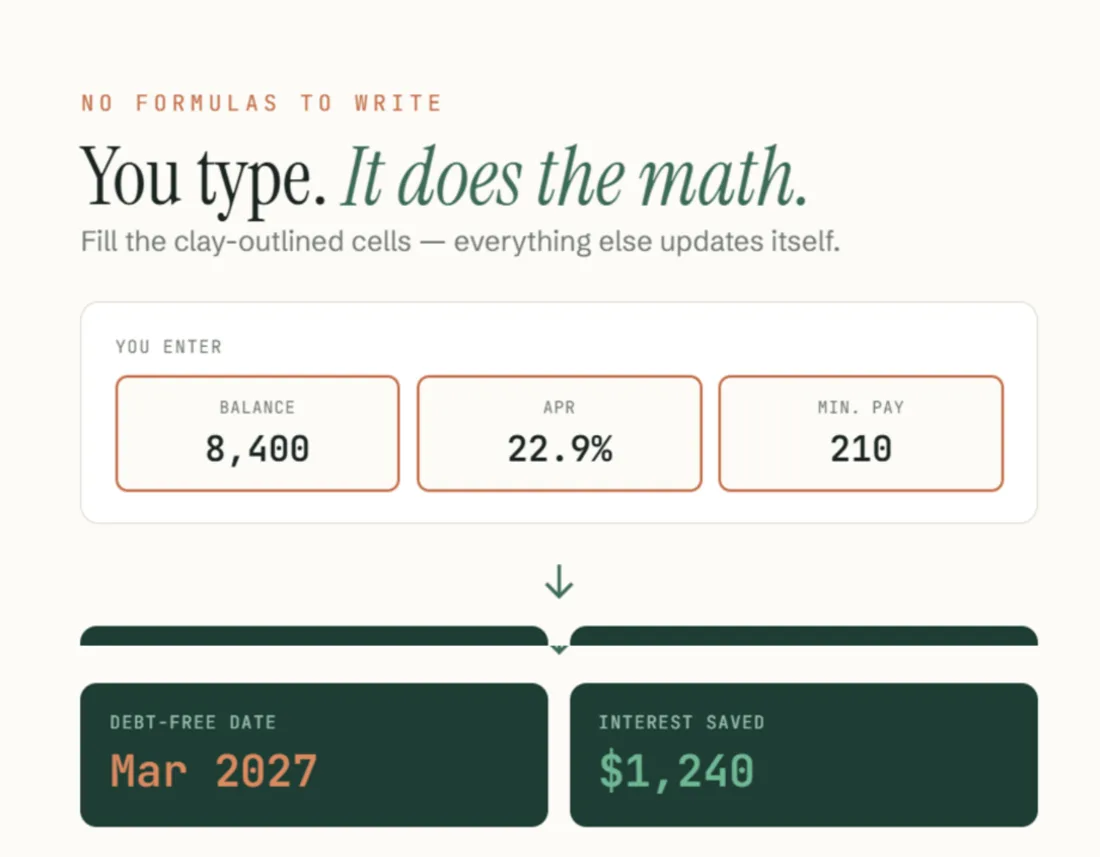
Type your balances, APRs and minimums
Only the clay-outlined cells. Everything else is calculated.
- 04
Pick Snowball or Avalanche
Your plan, payoff date and interest total update automatically.
Honest limits
What it doesn’t do.
There is no dropdown for the method. You type Snowball or Avalanche in Setup and the plan re-sorts. Excel shows a data bar next to each debt; Google Sheets drops it, so plan on reading the numbers, not the bars. Ten debts is the ceiling, and four come preloaded as an example.
Questions
Before you buy.
Do I need Excel?
No. The Google Sheets version is free — a Google account is enough.
Snowball or avalanche — which should I pick?
Both are built in, so you can compare them on your own numbers. Snowball for motivation, avalanche for the lowest total interest.
How many debts can I track?
Up to 10 — ten rows in Setup, four of them preloaded as an example. Credit cards, car loans, medical bills, student debt, anything with a balance and a rate.
Can I edit it?
Yes, it’s fully editable. Add or remove debts, rename them, change the currency.
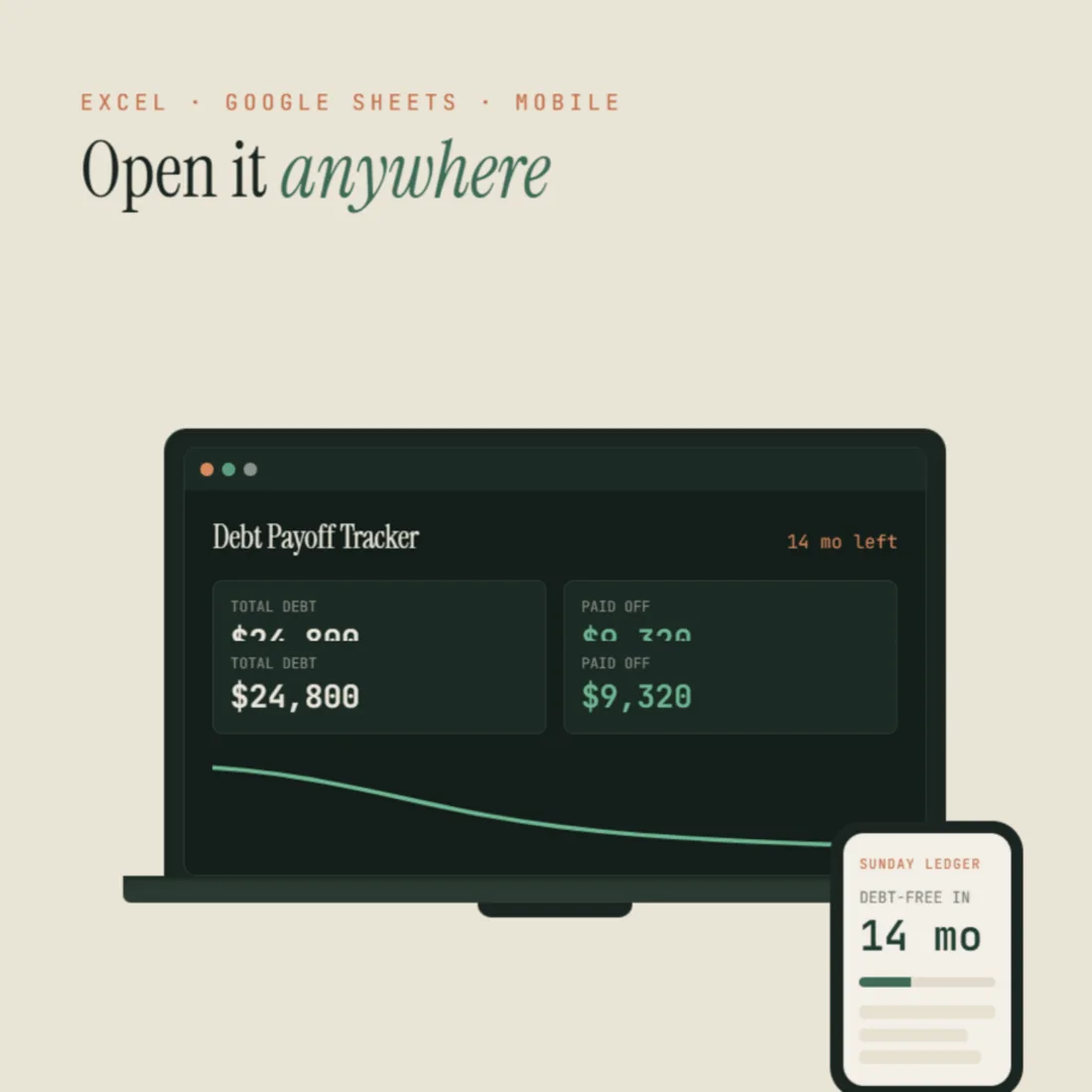
Will it work on my phone?
Yes, in the Google Sheets or Excel mobile app. The first setup is easier on a computer.
Is it a one-time payment?
Yes. Buy once, keep forever.
Something else on your mind? Write to sundayledgerbudgets@gmail.com.
Debt Payoff Tracker
$13 — one payment. Excel and Google Sheets, light and Midnight Pine, in one instant download — the spreadsheet and your Welcome Guide.
Get the template — $13Read more
The guide behind it.
Debt snowball vs. avalanche: which pays off debt faster? — the two methods this tracker builds, explained in plain English.
Explore the other templates