Best value
The Complete Bundle
All four trackers, one purchase — the whole studio, for less than buying them apart.
4 separate files · light + dark
View templateSpreadsheet studio · Est. 2026
Calm, genuinely useful finance spreadsheets for Excel and Google Sheets — to budget, pay off debt, and save on purpose.
Browse the templates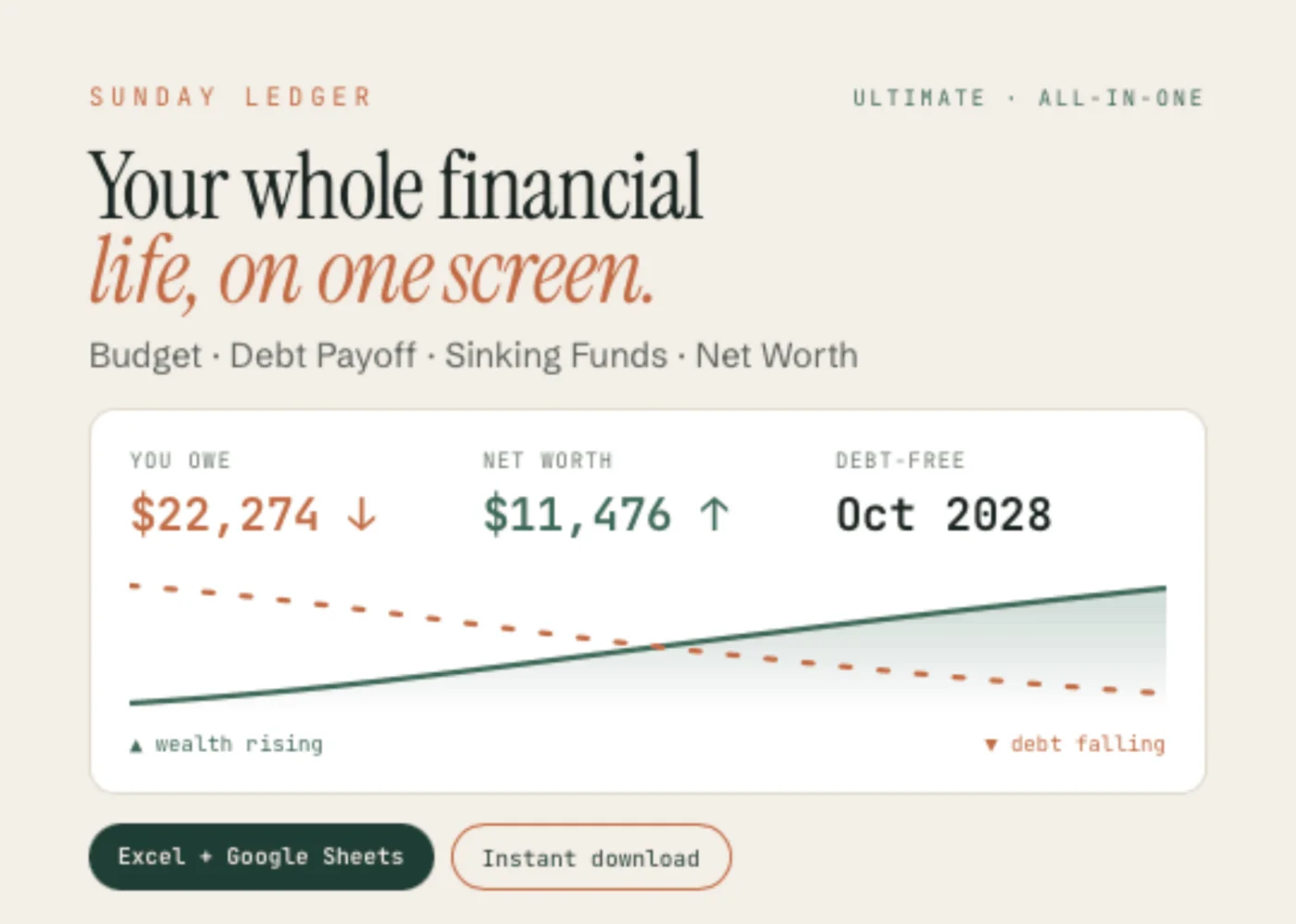
Start for $0
The Sinking Funds Starter is a free Excel tracker for up to three goals. Type in what you’re saving for and it works out how much to set aside each month — and the honest date you’ll get there.
Get it free See everything it does →Made for Excel · instant download · just enter your email
The templates
Each one is a finished spreadsheet — Excel and Google Sheets, light and Midnight Pine, in a single download. You type in the clay-outlined cells; the file does the math.
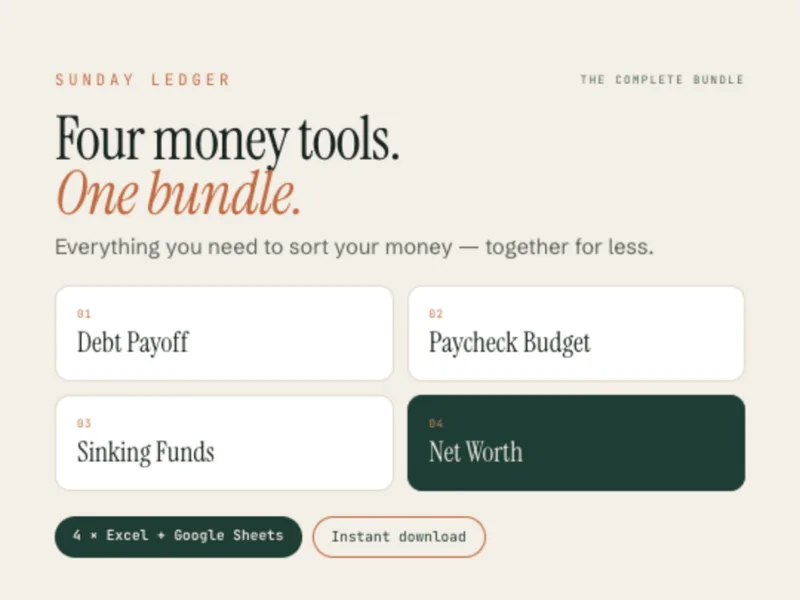
Best value
All four trackers, one purchase — the whole studio, for less than buying them apart.
4 separate files · light + dark
View template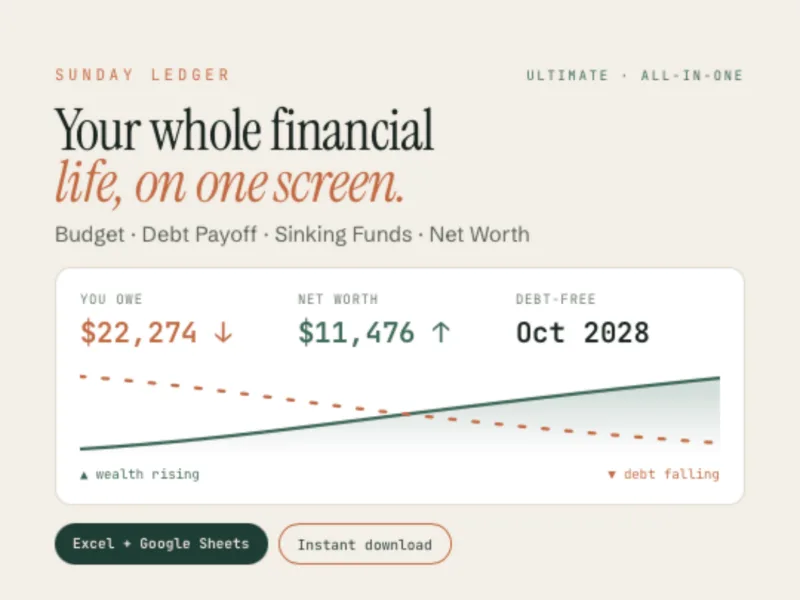
All-in-one
Your whole financial life on one screen. Enter a debt once and it counts down while your net worth climbs.
9 tabs · one file
View template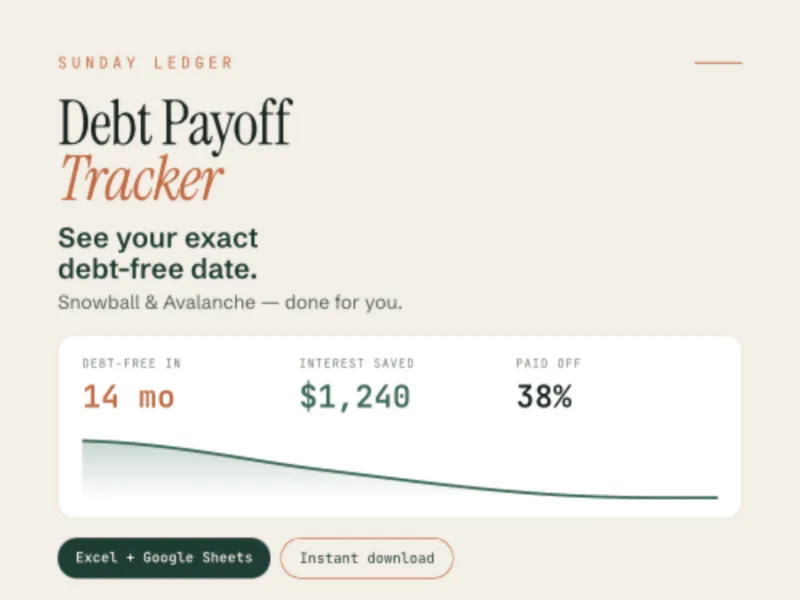
Template 01
See the month your debt actually ends — and how much interest you skip versus paying only the minimums.
Snowball · Avalanche
View template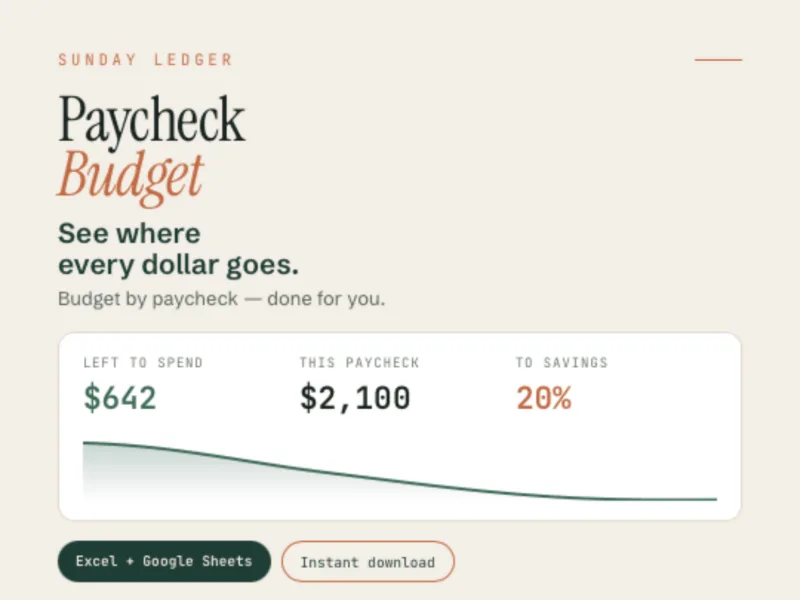
Template 02
Know what is safe to spend today, not at the end of the month.
4 pay frequencies
View template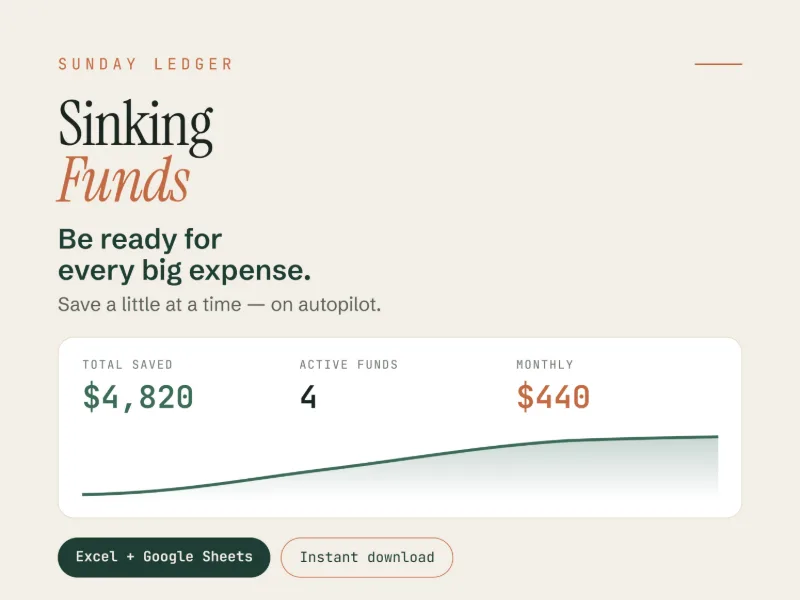
Template 03
Big expenses stop being emergencies once you have been putting a little aside each month.
Up to 15 funds
View template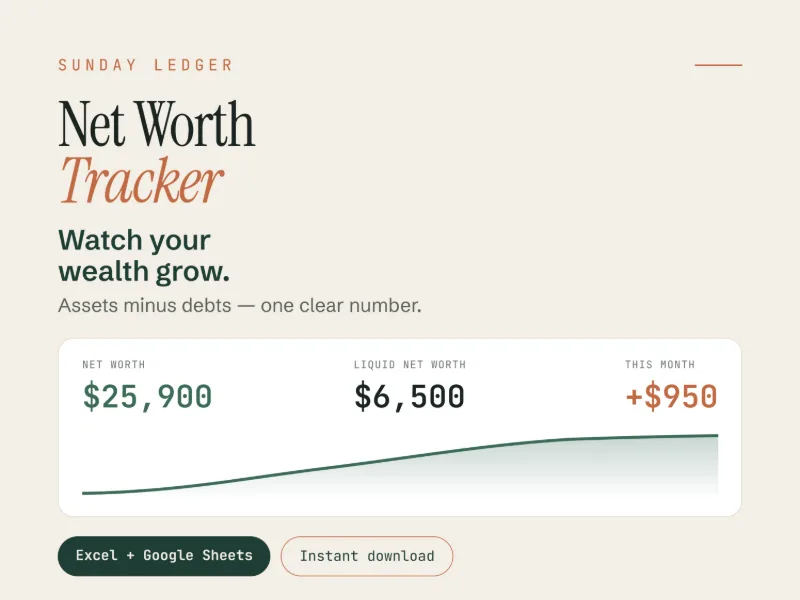
Template 04
One number, every month, going the right way. Assets, debts and the milestones ahead.
Up to 15 assets
View templateWhich one is right for me?
| Template | What it solves | Who it’s for | Files | Tabs |
|---|---|---|---|---|
| Debt Payoff Tracker | Gets your balances to zero, with the exact month it happens and the interest you skip versus the minimums | Anyone paying down credit cards, car loans, medical bills or student debt | 1 file | 6 tabs |
| Paycheck Budget | Tells you what’s safe to spend on this check, not at the end of the month | Paid weekly, every 2 weeks, twice a month (the 1st and 15th), or monthly | 1 file | 6 tabs |
| Sinking Funds Tracker | Turns big expenses into a monthly amount, so they stop being emergencies | Saving for several things at once — up to 15 funds, dated or ongoing | 1 file | 6 tabs |
| Net Worth Tracker | One number, month over month, with a date on every $10,000 milestone | FIRE and long-term savers — up to 15 assets and 9 debts | 1 file | 6 tabs |
| Ultimate Personal Finance | All four jobs in one connected file — a debt typed once feeds your net worth and your payoff plan | Wants the whole picture on one Home screen, entered once | 1 file connected |
9 tabs |
| The Complete Bundle | The same four jobs as four separate files, each one focused and independent | Prefers one tool per job, and wants the whole set at once | 4 files | 6 tabs each |
Ultimate or Bundle? The Ultimate is one spreadsheet where everything is wired together: one Setup feeds the budget, the debt plan, the funds and the net worth, so you never type a number twice. The Bundle is the four separate trackers sold together — no shared Setup, no single dashboard, but each file opens on its own and does one job well. Same four jobs, two different ways to work.
How it works
No waiting, nothing shipped. The files land in your order email and in your account.
Open the .xlsx in Excel, or tap “Make a copy” for the Google Sheets version.
Type in the clay-outlined cells only. Everything else calculates itself.
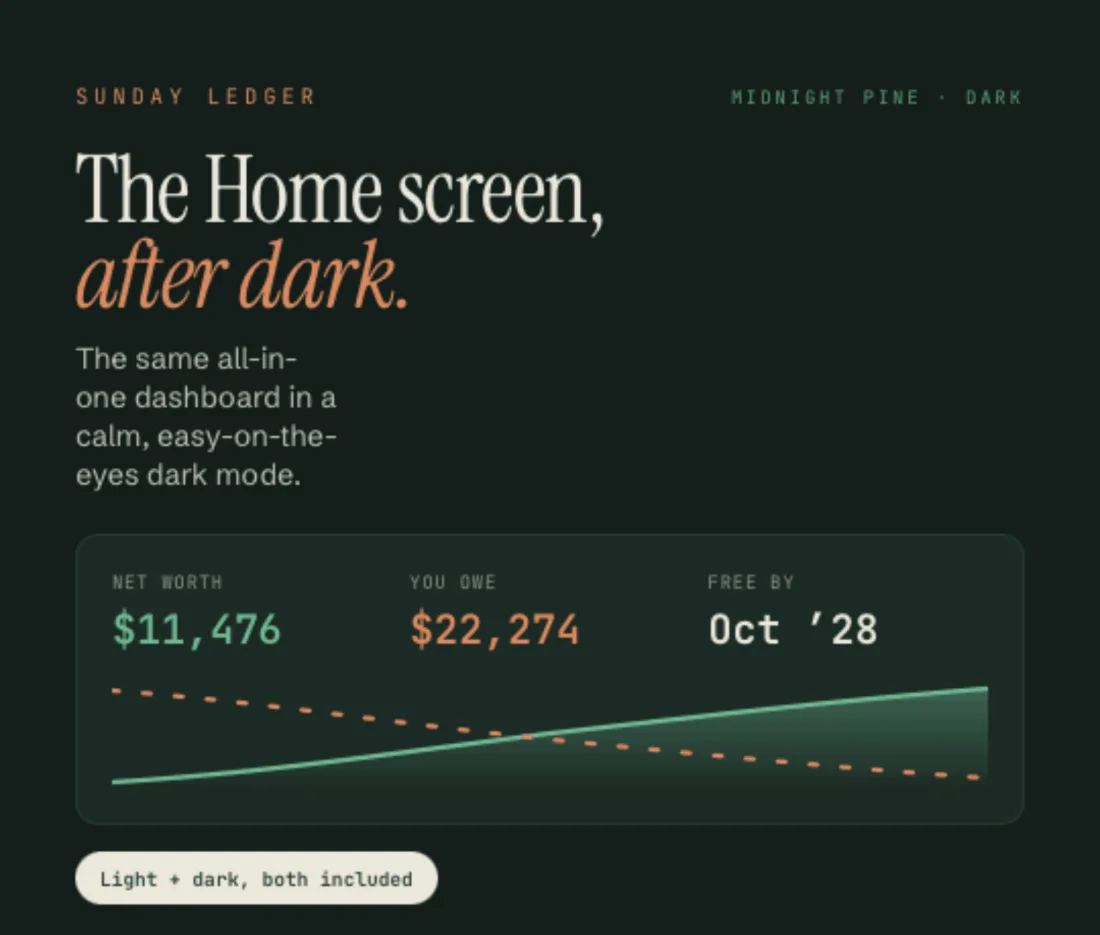
Midnight Pine
Every file ships with a second, darker version of the same sheet — same formulas, same layout, easier on the eyes at 11pm. Switch tabs, not templates.
Why trust this
The math is checked, cell by cell. No hidden rounding, no numbers that only look right.
Excel and Google Sheets, desktop and mobile. Both versions are in the same download.
One payment, no subscription, fully editable. Rename categories, change the currency, keep it for years.
Reply to your order email and you reach me, not a queue. I answer within a day.
Digital downloads are final — but your happiness isn’t optional. If a file won’t open, a link is broken, or something isn’t working, reply to your order email and I’ll sort it out, usually within 24 hours.
About
Sunday Ledger started with a simple feeling: money is so much calmer when it’s tidy. I make finance spreadsheets I actually wanted to use — clear, warm, and beautiful enough that sitting down with your numbers feels like a quiet Sunday morning instead of a chore.
Every template is built by hand and tested with real numbers before it goes out. If a formula would break the moment you renamed a category, it does not ship. If a chart looks impressive but tells you nothing, it does not ship either.
Questions, or something not adding up? Write to sundayledgerbudgets@gmail.com.
Questions
No. Every template comes as an Excel .xlsx file and as a Google Sheets version. A free Google account is enough — you do not need to buy Microsoft Office.
Yes. One payment, no subscription, no renewals. The file is yours to keep and reuse year after year.
Yes. Rename any category, change the currency symbol, add your own labels. The formulas are visible and unlocked, so the sheet bends to how you actually think about your money.
Your download includes a short welcome PDF with a Google Sheets link. Open it, choose File ▸ Make a copy, and your own copy lands in your Drive. Nothing you type is ever visible to anyone else.
Yes, through the Google Sheets or Excel mobile app. Setting the file up the first time is easier on a computer; the day-to-day updates work comfortably on a phone.
Because these are digital files that download instantly, all sales are final. But if something is not working, or you bought the wrong template, reply to your order email — I read every one and I will make it right.
Newsletter
No spam, ever. One short note when something new is ready.
No spam. Unsubscribe anytime.